Overview
The Problem
Many tradespeople, especially newcomers and multilingual workers, face language barriers that make it difficult to understand and confidently use trade-specific terminology on job sites. These communication gaps can lead to lowered confidence and increased safety risks in high-pressure environments. They can also make it harder to fully grasp workplace guidelines, certification materials, and industry requirements.
Our Solution
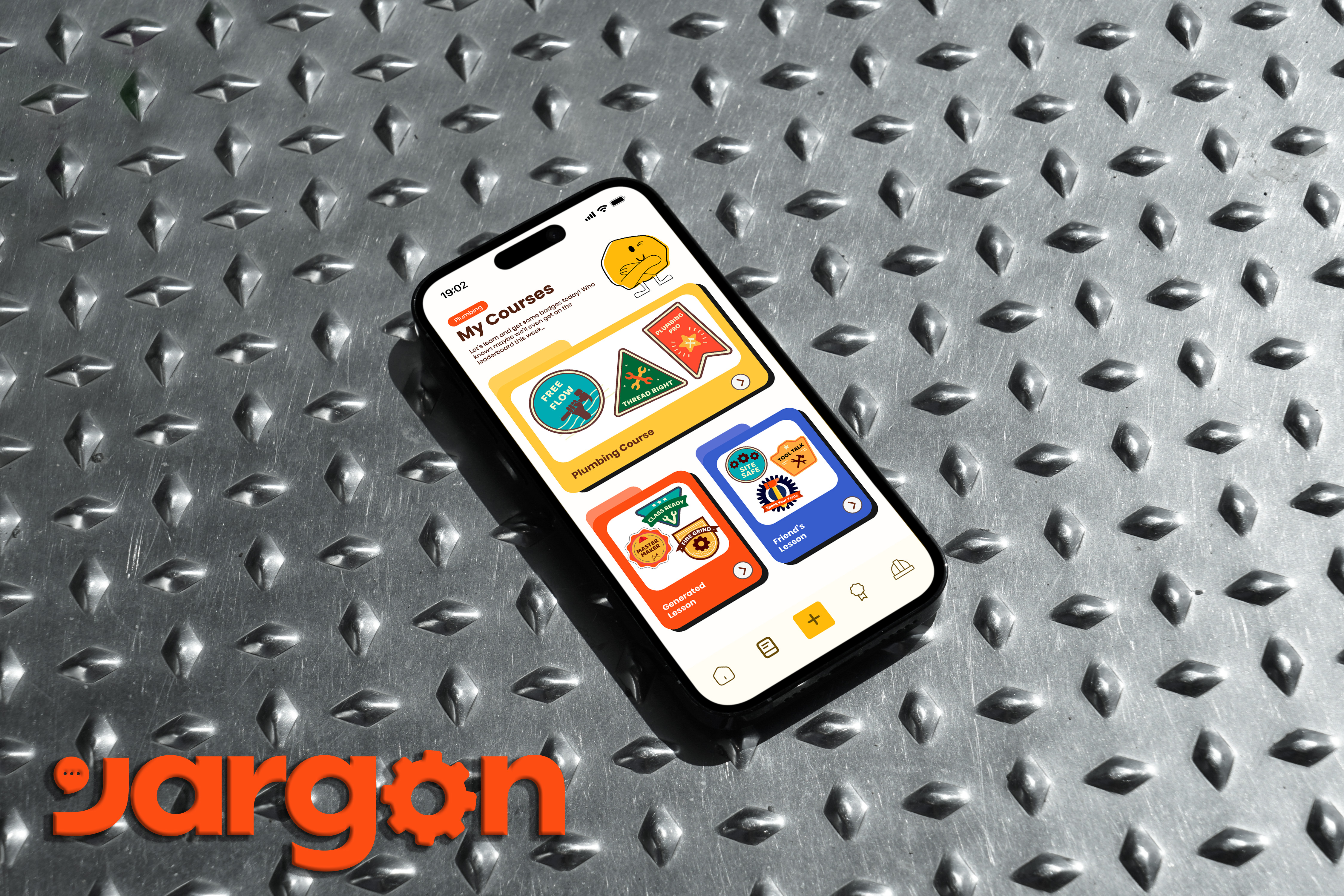
Jargon is designed for tradespeople who want to build confidence with trade-specific terminology and ensure better safety on the job. It delivers short, interactive lessons, flashcards, and quizzes, with AI-powered support that lets users upload their own documents or manuals to generate personalized learning content, making it easier to strengthen vocabulary and communicate clearly and safely at work.
Research
Target Audience
Jargon is designed for immigrants in the trades, who make up 22.9% of the construction workforce, with 15–20% in specialized roles like plumbing and electrical. Language barriers are linked to 25% of workplace accidents, and newcomers face a 1.5× higher risk of injury on job sites in comparison to native English speakers.
To better understand our target audience and their challenges and needs I conducted some research before jumping into the design process.
User Survey
I conducted a user survey to better understand the real challenges tradespeople face with language, safety communication, and on-the-job learning. The goal was to validate assumptions, identify key pain points, and ensure the solution is grounded in actual user needs rather than assumptions.
Key Takeaways
- Language barriers contribute to 25% of workplace accidents.
- Newcomers face a 1.5× higher injury risk.
- 75% struggle to ask questions or clarify instructions.
- Safety terms and workplace documents are hard to understand.
- Users prefer practical tasks, short quizzes, and mobile learning.
User Personas
Research revealed two main groups: workers already in the trades and newcomers preparing to enter. Their needs overlap but differ in context, so I created two personas to help define solutions for both on-the-job communication and certification prep.
Action Points
- Focus on safety and job-site vocabulary.
- Design short, mobile-first lessons.
- Use practical, task-based assessments.
- Allow skill-specific practice.
- Simplify manuals and training materials through AI support.
Design Process
User Flow
My team and I created a user flow to map out how users would move through the app. This helped us identify key touchpoints, reduce friction, and ensure the experience feels simple and intuitive. By visualizing the journey early, we were able to design a smoother, more user-centered experience.
Low-Fidelity Wireframes
Low-fidelity wireframes explored the layout and flow of Jargon, designed to help tradespeople learn and practice terminology in an engaging, game-like way. Rocky, our avatar, guided design decisions to ensure the experience is fun, motivating, and easy to navigate.
Style Guide
The logo combines a text bubble and a mechanical wheel, reflecting Jargon's focus on learning trade-specific language in a hands-on, practical way.
We chose a single, easily readable wordmark paired with industrial-inspired yet playful colors to balance clarity with a fun, approachable feel for users.
Revisions
I conducted multiple design revisions to refine Jargon's usability and engagement. Iterating through several versions and testing with users helped us identify pain points, improve clarity, and ensure the app meets learners' needs effectively.
AI Upload Feature Revision
We streamlined the AI Upload feature flow to make navigation quicker and more intuitive. By shortening steps, users can complete tasks with less friction, stay more engaged, and focus on learning rather than figuring out the process.
Click to expand!
Click to expand!
Community Revision
Originally planned as a community forum, feedback showed users wanted social interaction. We shifted to leaderboards to keep motivation high while staying true to Jargon's gamified learning focus.
Leaderboards drive motivation, while users can add friends, view profiles, and access AI-personalized lessons. Optional social links let connections extend beyond the app.
High-Fidelity
Final Features
- Pre-Built Courses — Ready-to-use lessons to quickly learn trade-specific terminology.
- AI-Document Upload — Upload documents to get personalized vocabulary and practice.
- Instant Help — Snap a picture of a tool to identify it in your language and hear proper pronunciation.
- AI-Chatbox — Ask questions or get extra explanations anytime, either during lessons or in settings.
- Community — Connect with friends, track progress on leaderboards, and share AI-personalized lessons.
Marketing
Developed marketing materials aligned with interface design, maintaining consistency across all touchpoints within a unified design system.
Brochure and Business Cards
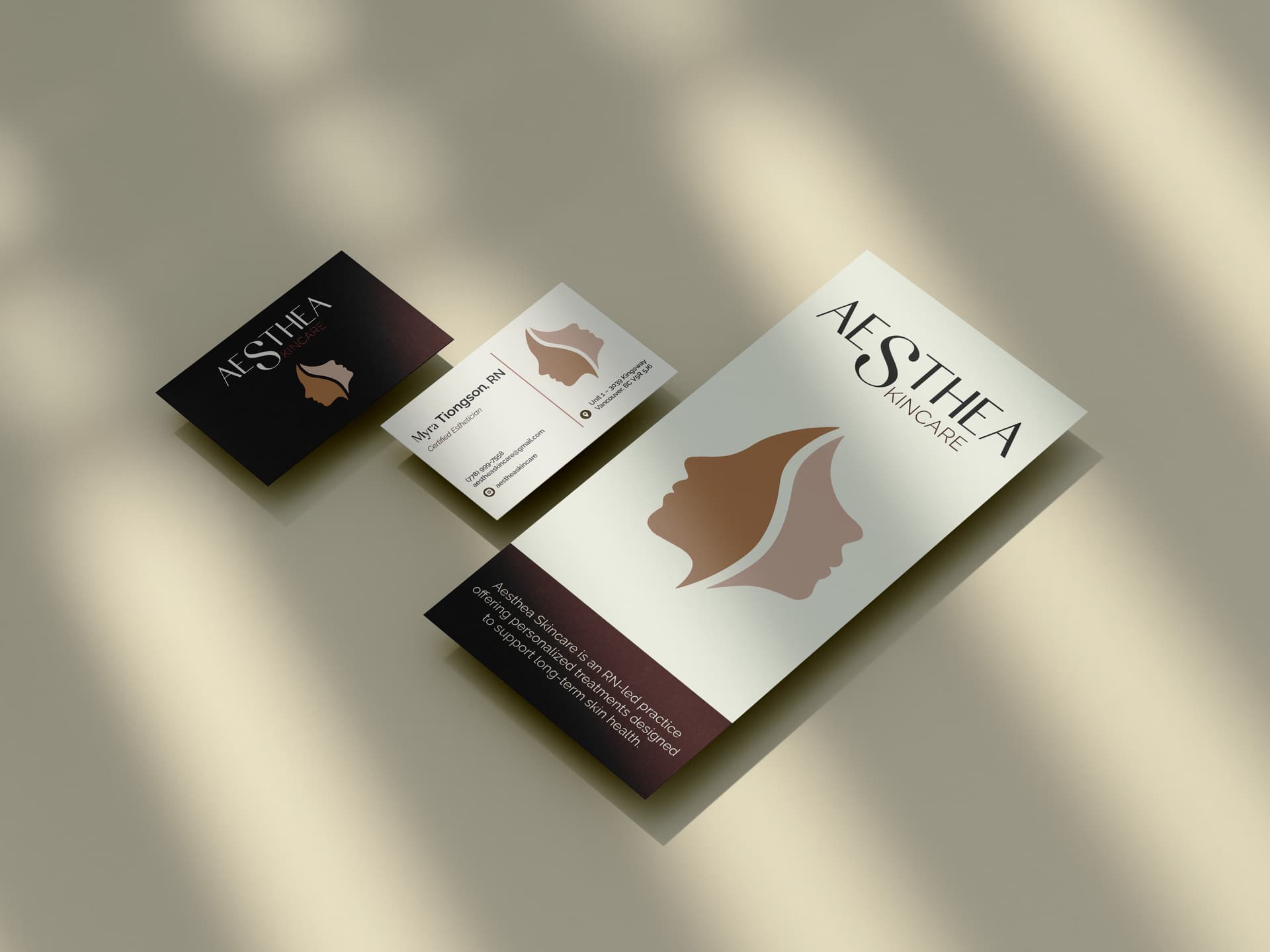
Designed cohesive print materials that extend the overall visual identity across brochure and business card formats, maintaining consistency in layout, typography, and branding.
Mascot and Customizable Avatars
Meet Rocky, I designed a flexible mascot system with customizable avatars used across both marketing and interface, reinforcing a cohesive and recognizable visual identity throughout all touchpoints.
Team Shirts
Created custom team apparel featuring a personalized Rocky avatar, extending the visual identity into merchandise while maintaining a cohesive and recognizable brand presence.
Video Promotion
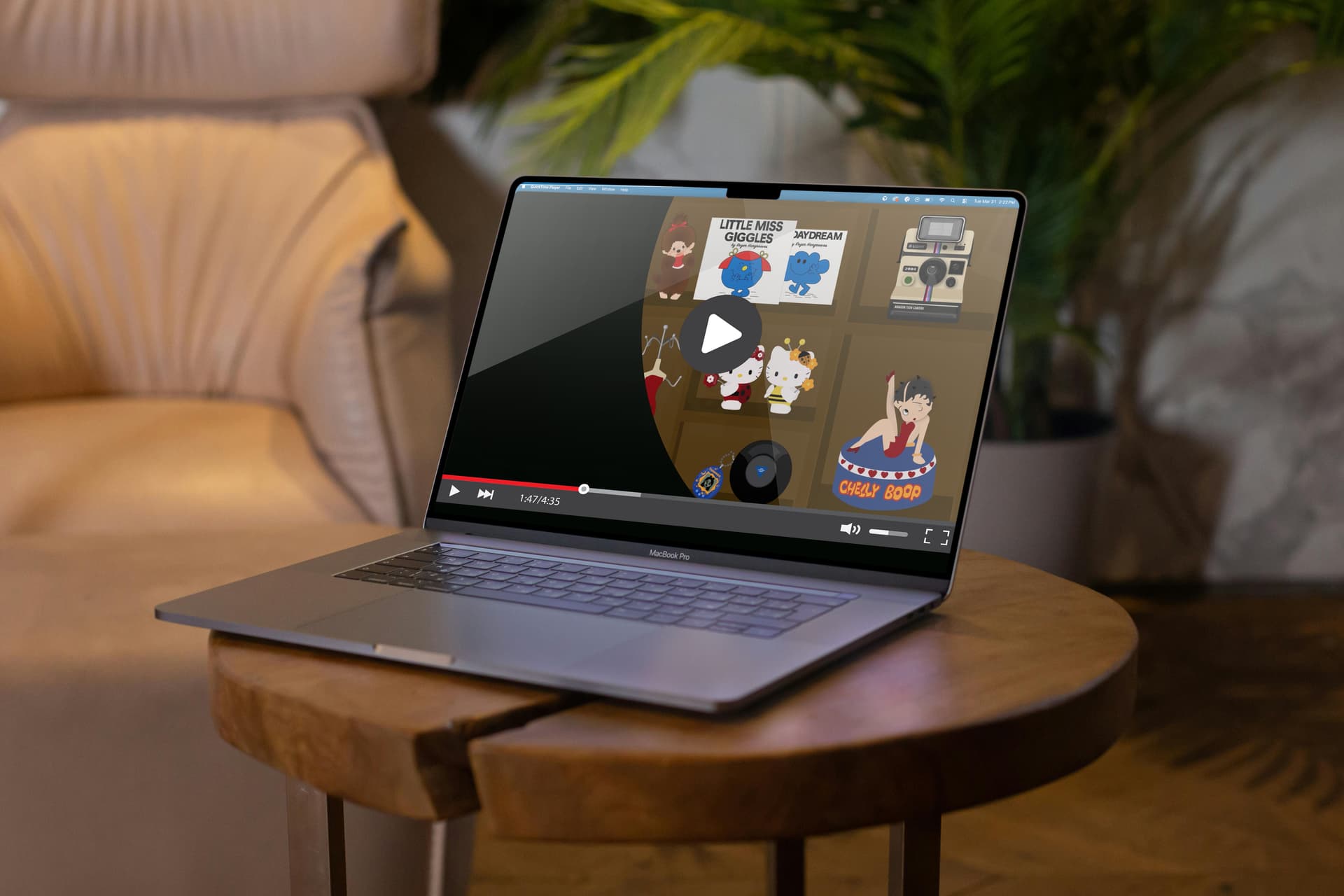
Developed a narrative-driven advertisement following a mom learning the jargon of her trade, using storytelling to communicate complex ideas in a relatable and engaging way while staying aligned with the overall brand identity.
Social Media
I designed Instagram assets to promote the product and engage users, maintaining a cohesive visual identity aligned with the overall design system.
Informational Website
Created an informational website for the app, featuring product details, a blog, and team content, while maintaining a clear, cohesive visual system across all pages.
Photobooth Experience
Vibe coded a photobooth experience for our booth on showcase day, used as an interactive promotional tool to engage users while reinforcing the brand’s visual identity.
Results
The Jargon project successfully designed a gamified learning experience that helps tradespeople expand vocabulary and stay motivated. Through user research, iterations, and testing, we validated the app's usability, engagement, and learning effectiveness, while refining features like AI-powered lessons, Instant Help, and community-driven leaderboards.
The Team
Future Implementations
- Cover more trades and specialized terms
- Partner with institutions for certification
- Collaborate with Skilled Trades BC for broader reach
- Improve pronunciation and audio learning
- Expand social and community interactions
- Add adaptive AI learning paths